Plug the wrong number into a yard fertilizer calculator, and you’ll either starve your lawn or burn it brown in a week. Most people grab a bag off the shelf, guess their yard size, and dump it on. A calculator fixes the guessing part, but only if you feed it real numbers and know what to do with the result. Getting from “you need 2.5 lbs of nitrogen” to an actual spreader setting is where most DIYers lose the plot.
Measuring Your Lawn Square Footage the Right Way
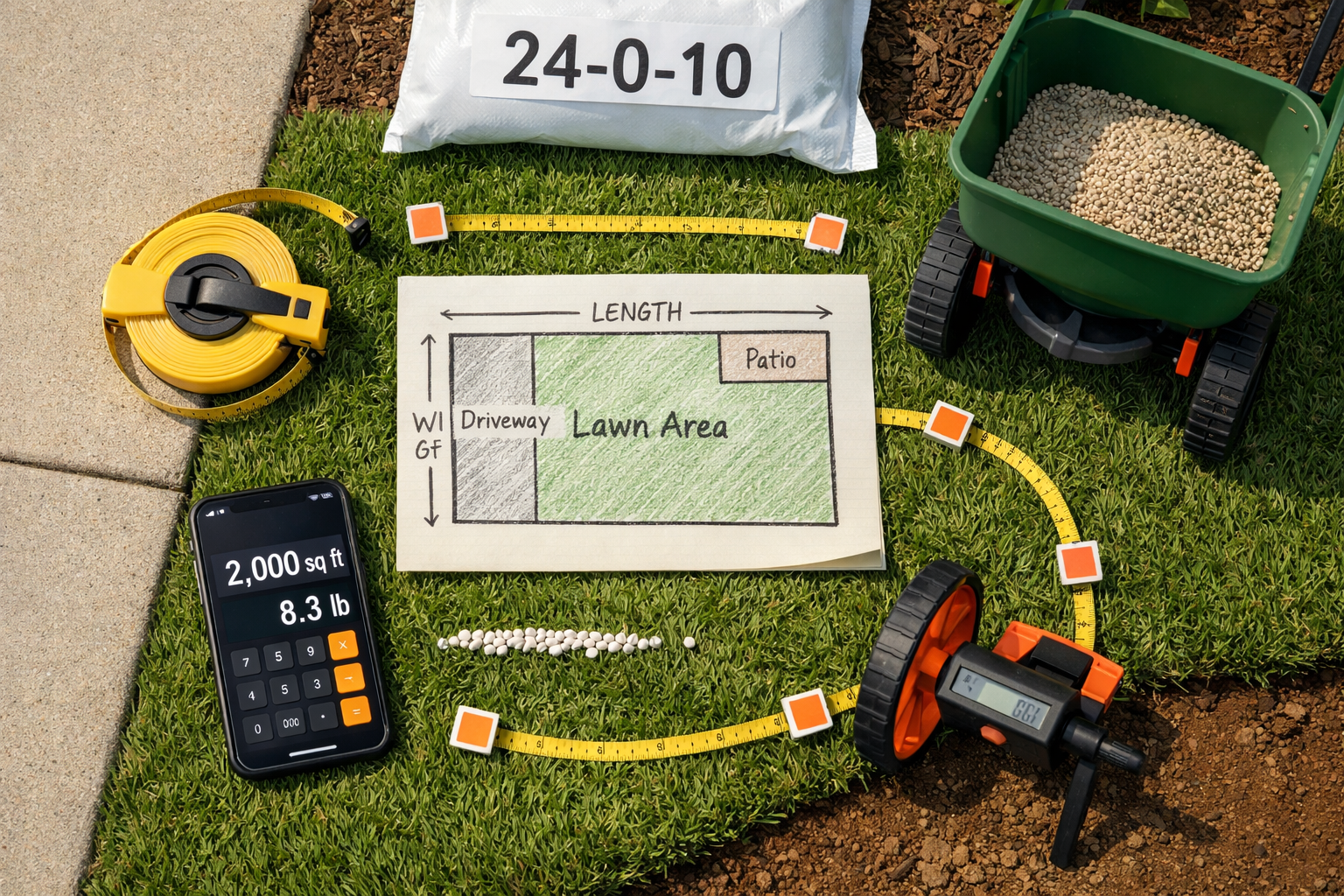
Get this number wrong, and every other calculation falls apart. A yard fertilizer calculator is only as good as the square footage you feed it, so measure your actual lawn, not your whole property.
Subtract What Doesn’t Grow Grass
Your driveway, patio, deck, flower beds, and the footprint of your house don’t need fertilizer. Walk your property with a 100-foot tape measure or measuring wheel, multiply length by width for roughly rectangular sections, and add them up. For odd shapes, break the yard into smaller rectangles and triangles and total those pieces separately.
Use a Digital Shortcut If You Want Speed
Google Maps’ measuring tool or a site like Google Earth Pro can get you close if you trace just the turf area carefully. It’s not perfect, but it beats eyeballing “about a quarter acre.” I’d still recommend a ground check with a tape measure on at least one section to confirm the digital number is in the ballpark.
A half-acre lot often has only 8,000 to 10,000 sq ft of actual lawn once you subtract the house, driveway, and beds. Plenty of people plug in the full half-acre (21,780 sq ft) and end up buying twice the fertilizer they need.
Reading the N-P-K Label Before You Trust Any Number
The three numbers on a fertilizer bag, like 24-0-4 or 32-0-10, are the percentage by weight of nitrogen, phosphorus, and potassium. This label is what turns a calculator’s “pounds of nitrogen needed” into “pounds of actual product to buy.”
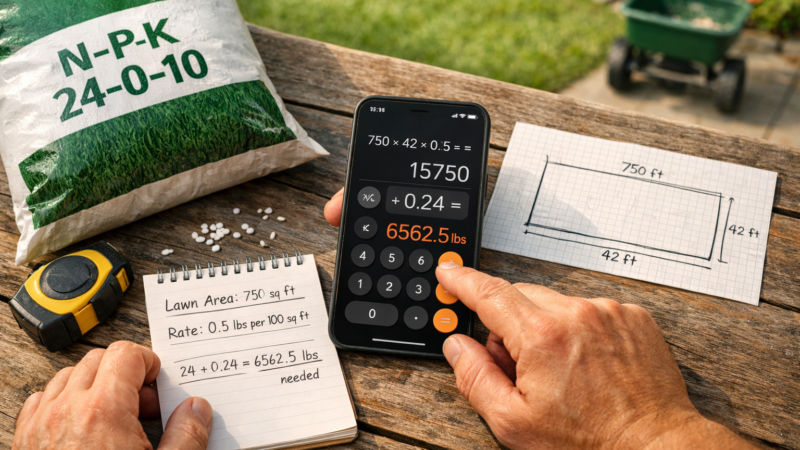
Here’s the part people skip: a calculator that says “apply 1 lb of nitrogen per 1,000 sq ft” doesn’t mean 1 lb of fertilizer. If your bag is 24% nitrogen, you need roughly 4.2 lbs of that product to deliver 1 lb of actual nitrogen (1 divided by 0.24). Grab a 20% nitrogen bag instead, and the math changes to 5 lbs of product for the same result.
N-P-K ratio: the three numbers printed on every fertilizer bag, representing the percentage of nitrogen, phosphorus, and potassium by weight, in that order.
This is exactly why assuming all bags are the same strength is such a common and costly mistake. Two bags can look nearly identical on the shelf and require completely different application rates. Always check the label percentage against what the calculator recommends before you buy anything.
Turning the Calculator’s Output Into Actual Spreader Settings
This is where most people mess up, and it’s the real value of doing this math at all. A calculator can tell you exactly how many pounds of nitrogen your lawn needs, but if you don’t translate that into a correct spreader setting, you’re back to guessing.
Rotary vs. Drop Spreaders Need Different Numbers
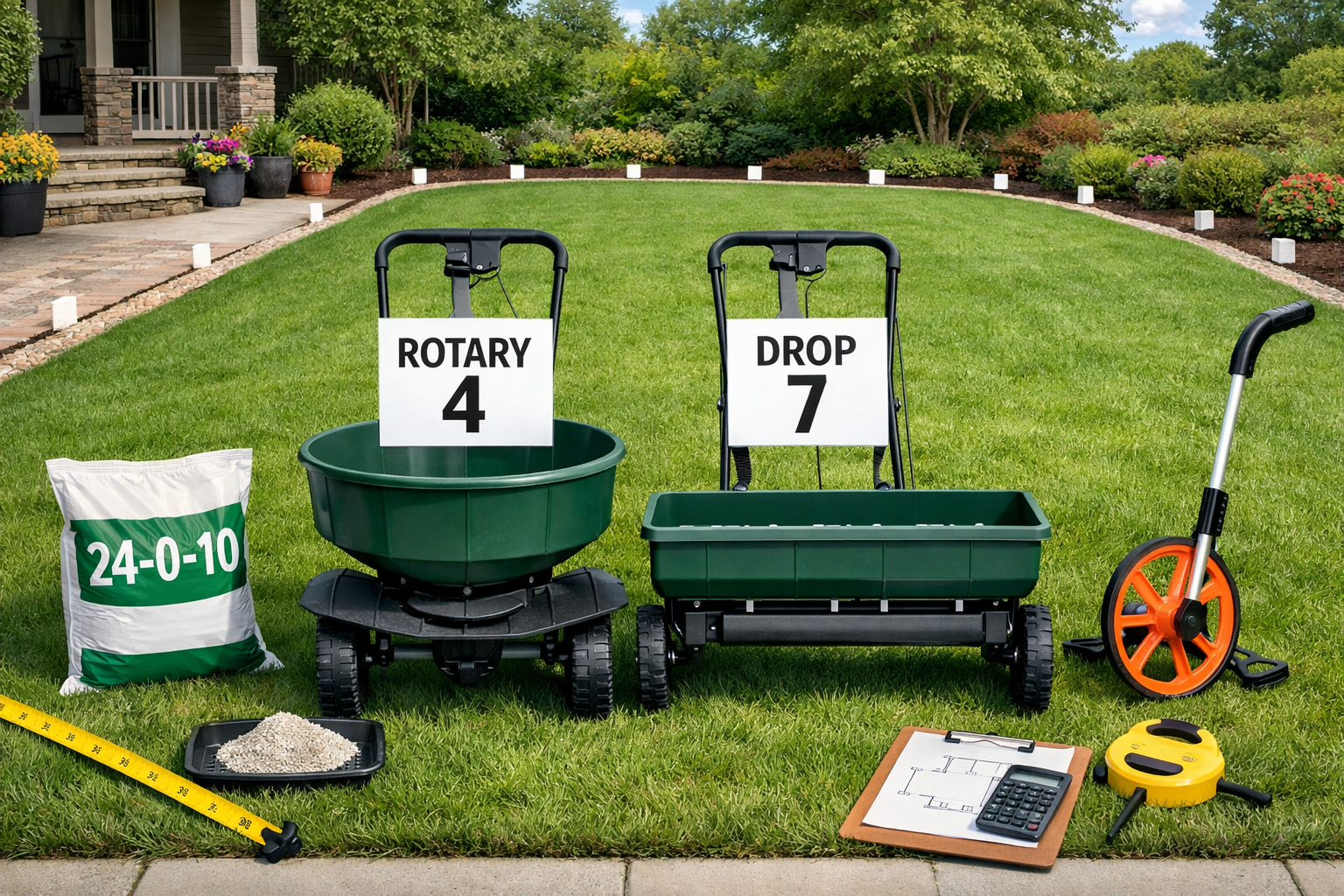
Most fertilizer bags print a setting chart for common spreader brands like Scotts or Spyker, listed by model number. If your spreader isn’t listed, use the bag’s coverage rate (often “covers 5,000 sq ft”) to calculate a percentage, then start your spreader dial about one notch lower than the chart suggests. It’s easier to make a second pass than to scrape burned grass out of your yard.
Calibrate With a Test Run
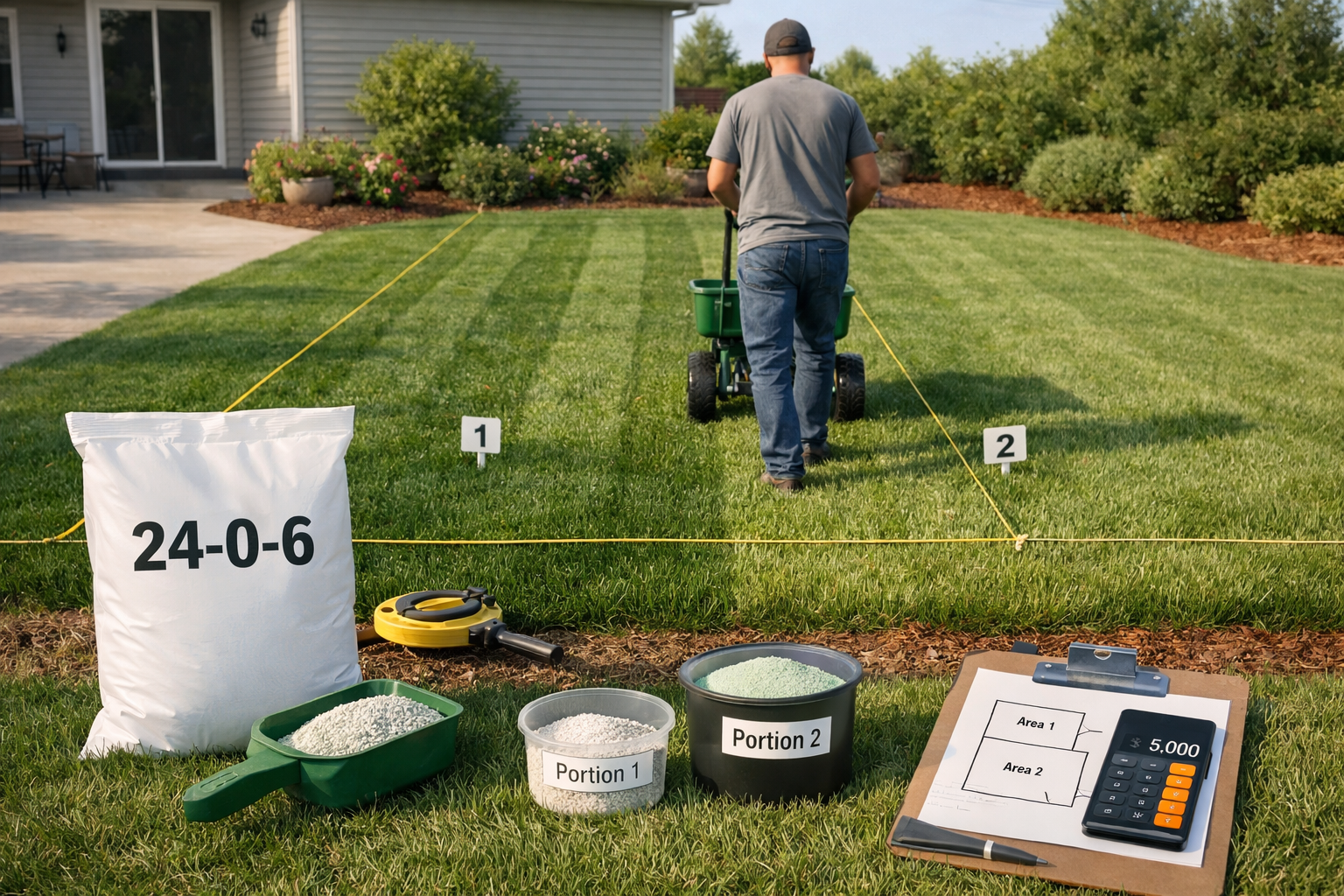
Weigh out enough fertilizer for 1,000 sq ft, mark off that exact area with flags or stakes, and run the spreader across it at your chosen setting. If you finish the test patch with product still in the hopper, bump the setting up slightly and try again.
Lawn Size
Nitrogen Needed (1 lb/1,000 sq ft)
Product Needed (24% N bag)
Approx. Bags (5,000 sq ft bag)
5,000 sq ft
5 lbs N
~20.8 lbs
1 bag
8,000 sq ft
8 lbs N
~33.3 lbs
1 bag (with leftover)
10,000 sq ft
10 lbs N
~41.7 lbs
1 bag + partial 2nd
15,000 sq ft
15 lbs N
~62.5 lbs
2 bags
Splitting Applications Instead of Dumping It All at Once
Never apply a whole season’s worth of nitrogen in one pass. This is the single biggest reason lawns get scorched or flush with weak, floppy growth that then gets hammered by disease.
A calculator giving you “4 lbs of nitrogen per year” doesn’t mean one 4-lb application. It means splitting that total across three or four visits, timed to how your grass actually grows.
Test your soil first, ideally through a state extension service, so you know if you even need added phosphorus or potassium.
Identify your grass type: cool-season (fescue, bluegrass, ryegrass) or warm-season (bermuda, zoysia, St. Augustine).
For cool-season lawns, apply the bulk of nitrogen in early fall and again in late fall, with a lighter spring feeding.
For warm-season lawns, shift the heavy feeding to late spring through summer, when the grass is actively growing.
Cap any single application at around 1 lb of nitrogen per 1,000 sq ft, even if the calculator’s annual total is higher.
Wait at least 4 to 6 weeks between nitrogen applications to avoid stacking too much on the roots at once.
Re-check your soil test results every 2 to 3 years, since fertility needs shift over time.
Cool-season and warm-season grasses have opposite growth calendars, so a schedule built for a Kentucky bluegrass lawn in Ohio will actively hurt a St. Augustine lawn in Florida. Match your fertilizer timing to your grass type, not the calendar month. Sites that cover broader lawn care topics, including themowersguide.com, often have soil testing guides worth reading before you buy a single bag, since a real test beats any generic calculator default.
What Happens When You Overfertilize (and How to Undo It)
Too much nitrogen doesn’t just waste money, it actively damages the lawn. Excess nitrogen pulls water out of grass blades through osmosis, leaving brown or yellow streaks that look exactly like drought stress within a few days of application.
If you’ve already overapplied, water the area heavily and immediately with at least half an inch of water to dilute and flush the excess through the soil. This won’t undo scorched blades, but it limits root damage and gives the lawn a better shot at recovering over the following weeks. Mowing high, around 3 to 3.5 inches for most cool-season grasses, also helps the plant recover faster by keeping more leaf surface for photosynthesis.
The longer-term cost is worse than a burned patch, though. Chronic overfertilizing pushes excess nitrogen and phosphorus into runoff, which is a documented contributor to nutrient pollution in local waterways. That’s a good reason to treat the calculator’s number as a ceiling, not a target you’re free to round up from.
Frequently Asked Questions
How much does a yard fertilizer calculator actually save me per year?
It depends on lawn size, but getting the rate right typically avoids buying one extra bag of fertilizer per season, worth roughly $30 to $50, plus it prevents costly reseeding after a nitrogen burn.
Do I need a soil test before using a fertilizer calculator?
Not required, but strongly recommended every 2 to 3 years. A soil test tells you if you actually need phosphorus or potassium, which most calculators assume without local data.
Can I use the same fertilizer calculator for warm-season and cool-season grass?
Yes, the math is the same, but the timing and total annual nitrogen differ. Warm-season grasses like bermuda often need more total nitrogen per year than cool-season fescue, applied on a different schedule.
Not every John Deere push mower comes ready for a bagger, and that trips up more buyers than you’d think. Some models discharge only, some mulch only, and the John Deere...
Skip the phosphorus unless a soil test tells you otherwise. That’s the short answer for most lawns in 2026, and it surprises a lot of homeowners who grew up thinking N-P-K...
26 August 2026
The Mowers Guide is reader-supported. When you buy through links on our site, we may earn an affiliate commission.





Comments are closed.